User manual
GlassTracker for iOS
GlassTracker brings picoTracker to iPhone and iPad with touch controls, first-class Audio Unit instruments, sample editing, mixing, recording, rendering, Remote Control, and Files access.
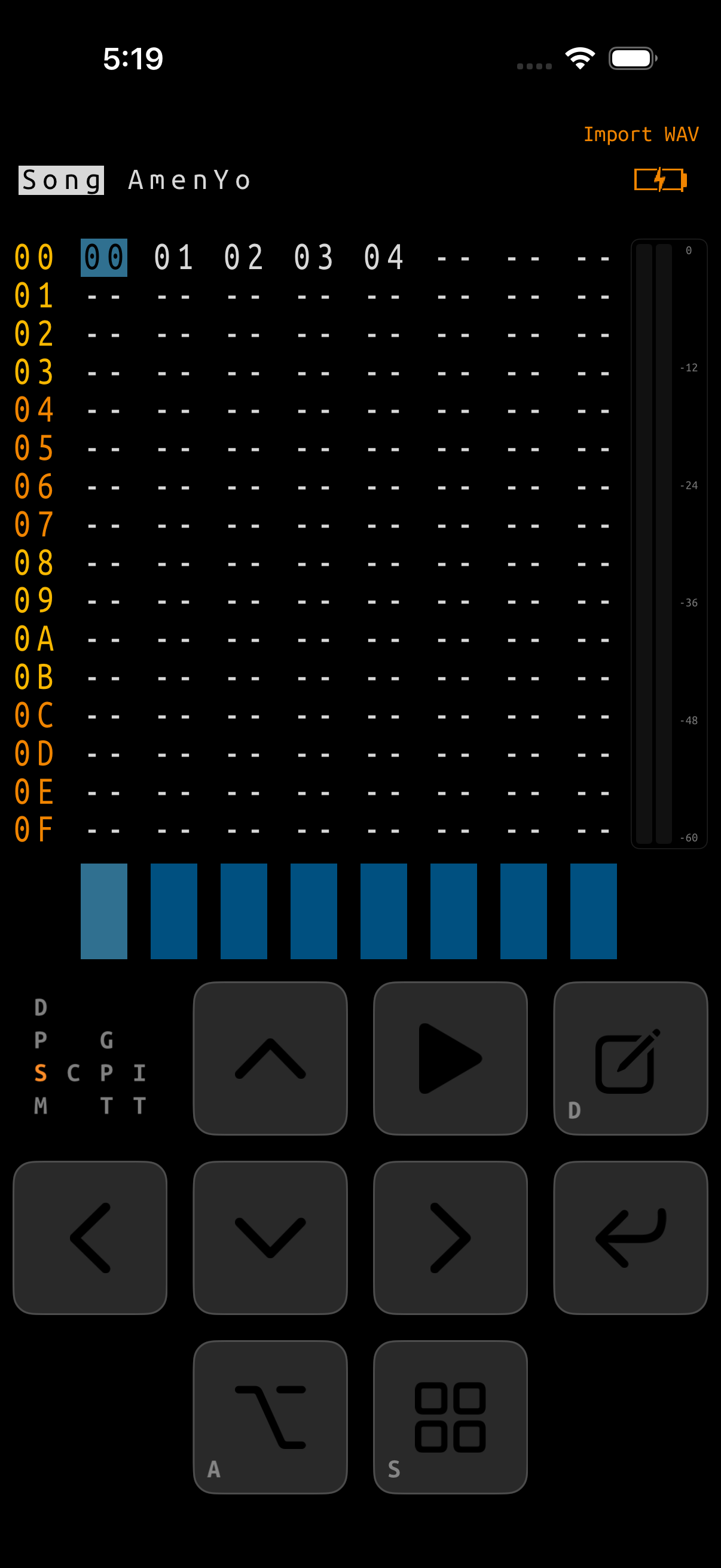
What is a tracker?
A tracker turns time into a vertical grid. Each row is a moment; each column is a channel. Instead of placing colored blocks on a timeline, you arrange compact musical instructions: which phrase to play, which note to trigger, which instrument to use, and which effect command should run.
The structure is intentionally small and compositional:
A phrase can be used by more than one chain. Editing it changes every chain that references it. Chain transpose values create pitch variations, while Tables and Grooves provide parameter changes and timing patterns.
The core project format, tracker screens, edit grammar, and most key combinations are preserved. GlassTracker adds native iOS screens around the engine; Device → MODE can switch back to the stock PicoTracker presentation at any time.
Manual sections
iOS-specific features
| Area | GlassTracker behavior |
|---|---|
| Interface | Touch-native Project, Device, Instrument, Sample Editor, Mixer, recording, pool, rack, and strip screens; the original tracker grids remain intact. |
| Sound | Up to 8 hosted AUv3 instruments with per-slot Standard/Compatibility hosting, Audio Unit insert effects, native sidechain compression on channels and AU returns, two send buses, master inserts, and a safety limiter. |
| Sampling | Files/iCloud WAV import, project Sample Pool, waveform zoom, sample-exact trim, transient slicing, re-pitch, and timestretch. |
| Recording | Managed input takes, and with Advanced Recording on: overdubbing while the song plays, count-in and row-synchronised capture, a monitor-only metronome, and resampling of the master mix, one tracker channel, or one loaded Audio Unit return. |
| Connectivity | Per-port CoreMIDI input/output, Bluetooth MIDI pairing, per-channel live-input routes, MIDI-instrument destinations, AU listen/delivery channels, clock output, CC maps, Ableton Link, and secure iPhone-to-iPad Remote Control. |
| Storage | Projects, samples, recordings, and renders live in the app’s Files-visible Documents folder. |
| Output | Fast offline rendering for engine-only songs and real-time bounce whenever hosted Audio Units or iOS effects must be heard. |
About this manual
This guide starts with the established picoTracker Advance manual and describes the workflow as it appears in GlassTracker. Hardware-only topics—SD cards, physical ports, batteries, firmware flashing, and TRS adapters—are replaced by their iOS equivalents. Features unique to GlassTracker have their own chapters.
Tracker terminology and effect commands remain compatible with picoTracker unless a page calls out an iOS-specific difference.